How to Fix Docker Exit Code 137 (OOMKilled) on Linux and Cloud Instances
Quick Fix (TL;DR)
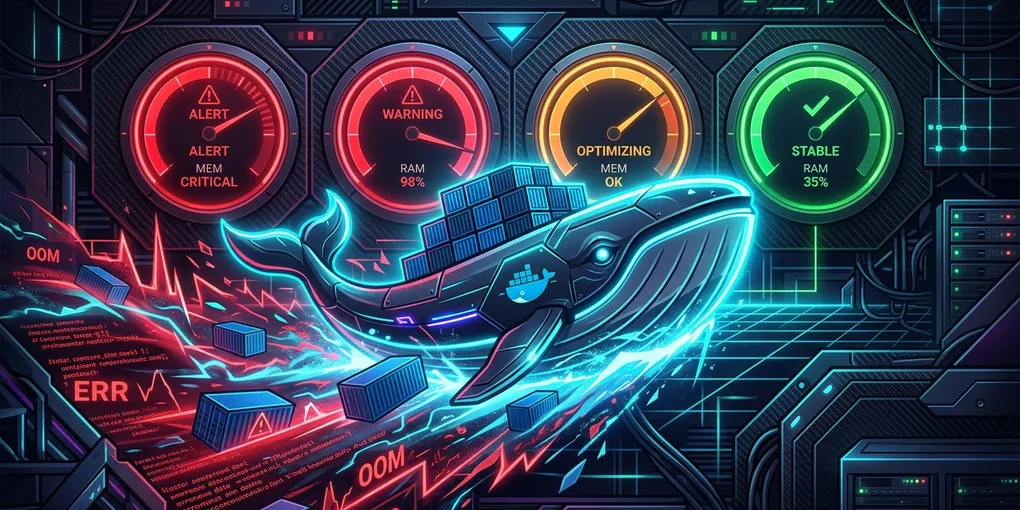
Docker Exit Code 137 means your container was forcefully terminated by the Linux kernel Out-Of-Memory (OOM) killer (128 + SIGKILL (9) = 137).
To prevent this immediately without upgrading your server, allocate a 4GB swap file:
sudo fallocate -l 4G /swapfile
sudo chmod 600 /swapfile
sudo mkswap /swapfile
sudo swapon /swapfile
echo '/swapfile none swap sw 0 0' | sudo tee -a /etc/fstab
Then adjust your container’s memory limit in docker run or docker-compose.yml:
docker run -m 2g --memory-swap 4g -d your-image-name1. How to Confirm Exit Code 137
Before changing application code, verify whether the container died from OOM or an external SIGKILL:
docker inspect <container_id_or_name> --format='{{json .State}}'Look for the following fields in the JSON output:
"OOMKilled": true— The kernel killed the process because host or cgroup memory was exhausted."ExitCode": 137— Process terminated by signal 9.
You can also check host kernel logs for recent OOM events:
dmesg -T | grep -i -E 'oom[-_]killer|killed process'2. Step-by-Step Resolution Strategies
Strategy A: Increase Docker Resource Allocations (Docker Compose)
If using Docker Compose, raise the memory reservations and limits in your service definition:
services:
  api:
    image: my-backend-service:latest
    deploy:
      resources:
        limits:
          memory: 2048M
        reservations:
          memory: 1024M
Strategy B: Enable Swap Space on Cloud Instances
Many cloud VMs (AWS EC2, DigitalOcean, Hetzner) launch without swap space by default. When physical RAM spikes during builds or data processing, the kernel terminates the largest consumer instantly.
Run this check to see your current memory and swap:
free -hIf swap shows 0B, follow the quick fix above to enable persistent swap.
Strategy C: Optimize Node.js / JVM Heap Limits
If your container runs Java or Node.js, the runtime might try to consume more RAM than the Docker cgroup allows.
- For Node.js: Set
--max-old-space-sizeto 75% of your container limit:NODE_OPTIONS="--max-old-space-size=1536" npm start - For Java / JVM: Use container-aware flags:
java -XX:+UseContainerSupport -XX:MaxRAMPercentage=75.0 -jar app.jar
3. Comparison of Mitigation Methods
| Method | Implementation Time | Cost Impact | Reliability |
|---|---|---|---|
| Adding Swap Space | < 2 minutes | $0 (Uses existing disk) | High (Prevents sudden crashes, slightly slower I/O) |
| Runtime Heap Tuning | 5 minutes | $0 (Configuration only) | High (Recommended best practice) |
| Scaling VM Instance RAM | 10 minutes | +$10 to $40/month | Maximum (Best for production enterprise traffic) |
Summary Checklist
- Run
docker inspect <container> | grep OOMKilledto verify kernel OOM. - Ensure host has at least 2GB–4GB swap enabled.
- Configure explicit
--memoryand--memory-swaplimits. - Cap application runtime heap size to 75% of container memory limit.